


Shortcut Maker
Catégorie : PersonnalisationVersion: 4.2.4
Taille:3.9 MBSystème d'exploitation : Android 7.0+
Promoteur:Rushikesh Kamewar
 Télécharger
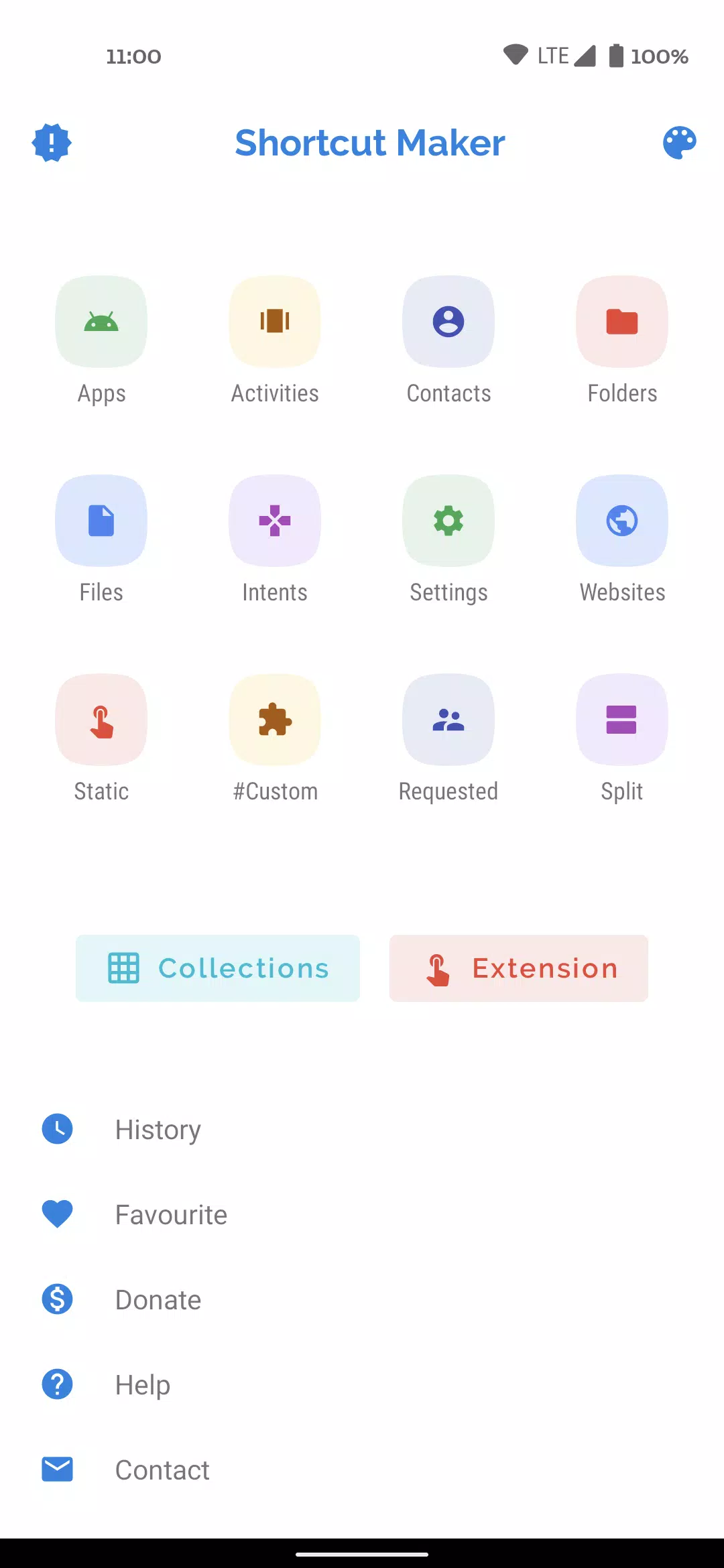
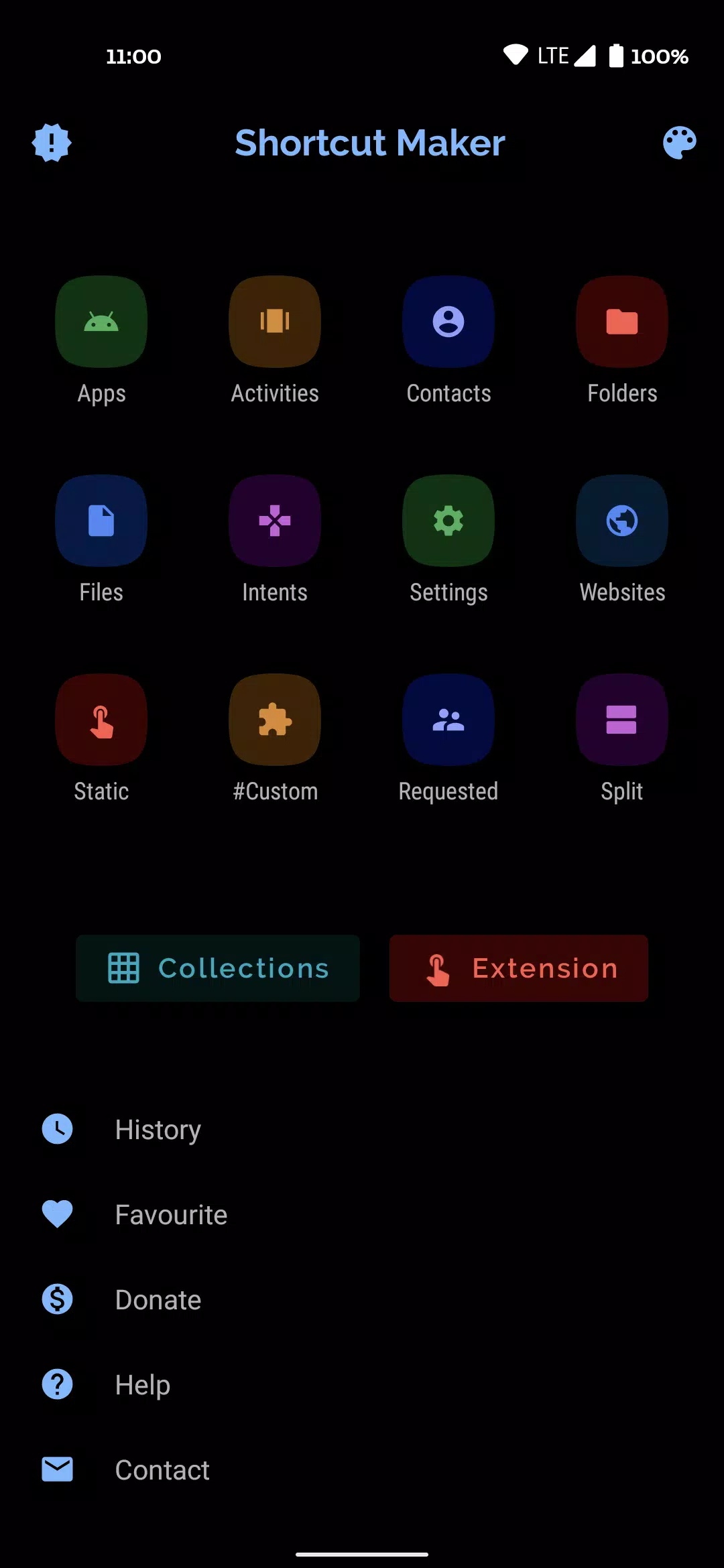
 Vous cherchez un outil simple mais puissant pour améliorer votre expérience Android? Ne cherchez pas plus loin! Notre application est conçue pour créer des raccourcis pour tout ce que vous désirez directement sur votre écran d'accueil Android. Avec seulement quelques robinets, vous pouvez sélectionner votre fonctionnalité préférée et appuyer sur le bouton "Créer" pour faire votre raccourci. C'est aussi facile!
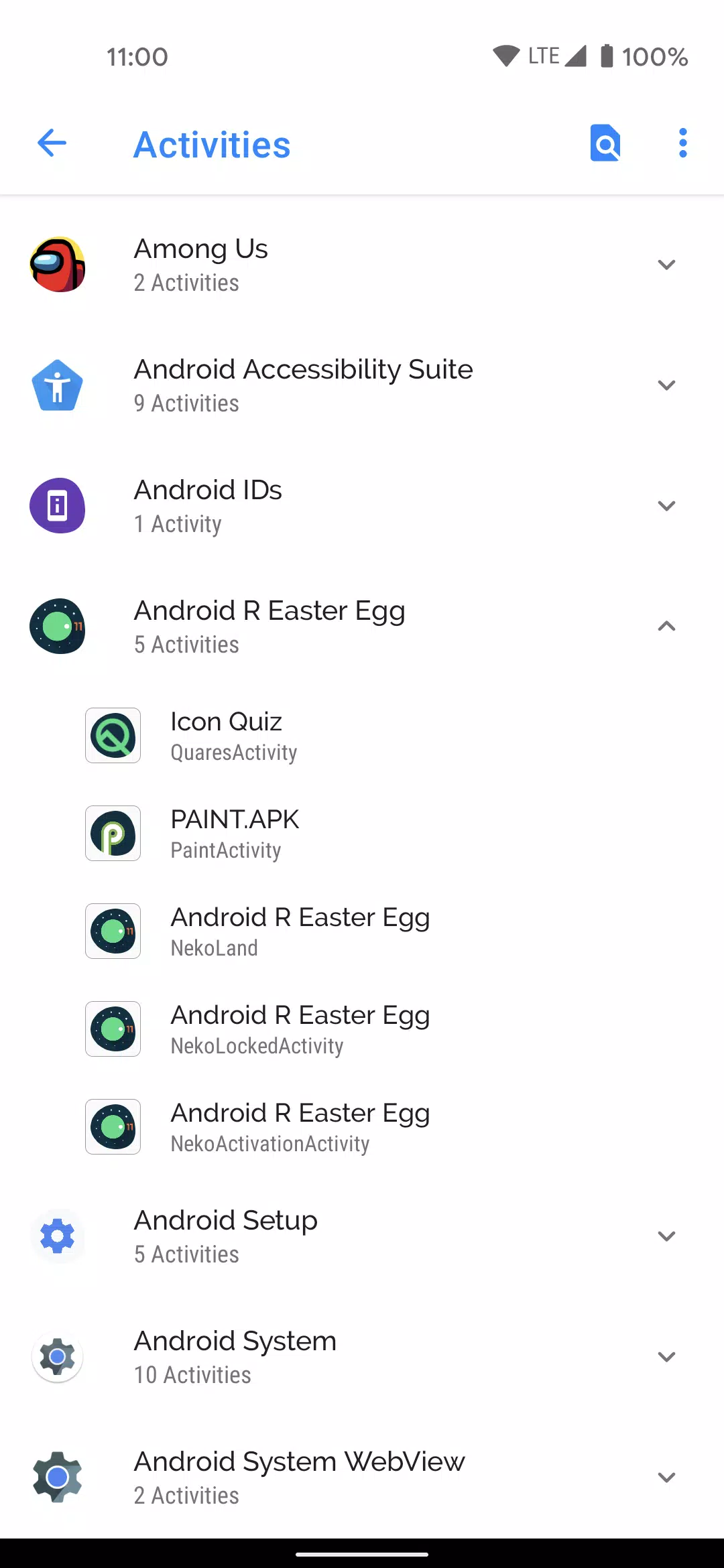
La polyvalence de notre application brille avec sa capacité à lancer des activités à partir d'applications installées, créant des raccourcis pour eux sans effort. Qu'il s'agisse d'applications et de leurs activités, de dossiers et de fichiers de votre stockage interne, ou même des intentions de système Android ainsi que des applications par défaut, nous vous avons couvert. Vous avez envie d'accès rapide aux paramètres de votre système? Nous proposons également des raccourcis pour cela. Et n'oubliez pas vos sites Web préférés - créez des raccourcis vers eux dans un instantané!
Nous apprécions les entrées de nos utilisateurs, c'est pourquoi nous avons inclus des fonctionnalités demandées par l'utilisateur et une option spéciale # personnalisée #. Cela vous permet de créer des raccourcis à partir d'applications installées, de les modifier dans notre application et de créer des raccourcis personnalisés qui répondent parfaitement à vos besoins. De plus, si vous avez des suggestions ou si vous souhaitez partager vos commentaires, utilisez simplement le raccourci "Contactez-moi" pour envoyer vos réflexions directement à [email protected]. N'oubliez pas de mentionner le nom de l'application dans le sujet!
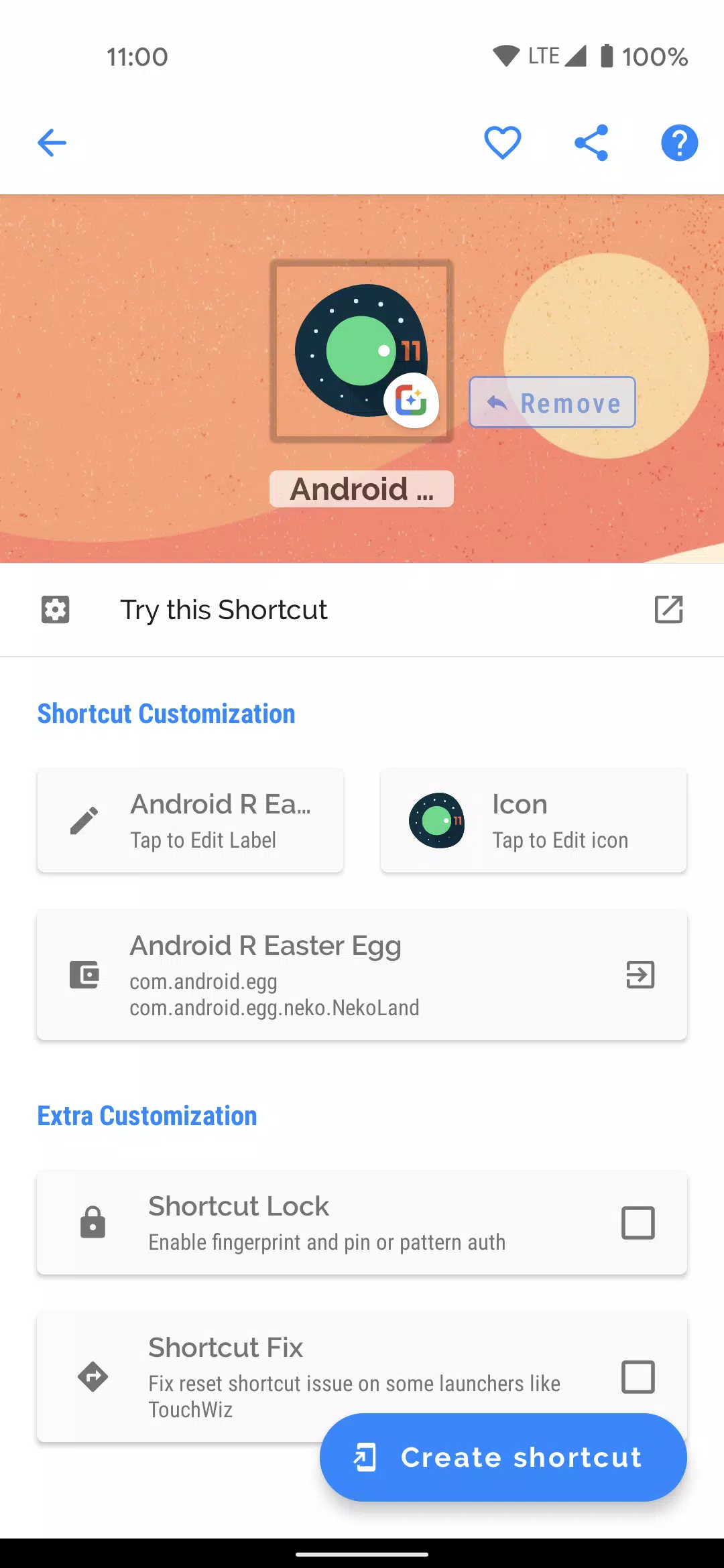
Avant de finaliser vos raccourcis, notre application fournit une fonction d'aperçu pratique. Ici, vous pouvez non seulement voir à quoi ressemblera votre raccourci, mais aussi le renommer et l'ajouter à vos favoris pour un accès rapide. Gardez une trace de tous vos raccourcis créés avec notre fonctionnalité d'historique et accédez facilement à vos raccourcis préférés à tout moment.
Nous nous engageons à améliorer votre expérience, c'est pourquoi la dernière version 4.2.4, mise à jour le 31 octobre 2023, comprend des corrections de bogues essentiels pour assurer une fonctionnalité fluide.
Un remerciement spécial va à MaterialSearchView, développé par Miguelcatalan, pour avoir fourni une vue de recherche gratuite, propre et simple à mettre en œuvre qui améliore l'interface utilisateur de notre application. Consultez la bibliothèque ici: https://github.com/miguelcatalan/MaterialSearchView .


Pas de Gears of War : E-Day à l’Xbox 2025, mais lancement confirmé en 2026

GTA 6 repoussé à 2026 : les meilleurs jeux de 2025
- Les PlayStation Days of Play incluent une première réduction sur la PS5 Pro et de nouveaux bundles de consoles PS5 Il y a 1 semaines
- XD Inc dévoile Heartopia, un jeu de simulation inspiré d’Animal Crossing: New Horizons Il y a 1 semaines
- Tour Dominion : Construisez Votre Propre Champ de Bataille Défensif Il y a 1 semaines
- Destiny 2 dévoile son plan de crossover avec Star Wars Il y a 1 semaines
- Love, to Livy – Devinez l'énigme croisée - Essayez des guides Il y a 1 semaines
- Les zones sauvages de Pokémon Go font leur retour cette année lors d’un événement à venir Il y a 2 semaines
- Économisez 40 % sur le Wolfbox Mega Flow 100, nettoyeur d'air électrique sans fil avec charge USB Il y a 2 semaines
- Anneau de Feu : Prometheus fait surface en Chine avec une bêta pleine de mystères Il y a 2 semaines
- Le matchmaking de Battlefield 6 intégrera le SBMM, ainsi que la latence, la localisation et la disponibilité des serveurs Il y a 3 semaines
-

La vie à la mode / 3.17.0 / 10.52M
Télécharger -

Personnalisation / 1.0.0 / by DigitalPowerDEV / 11.10M
Télécharger -

Outils / 9.9.7 / 130.54M
Télécharger -

La vie à la mode / 1.5 / by BetterPlace Safety Solutions Pvt Ltd / 9.60M
Télécharger -

Lecteurs et éditeurs vidéo / v1.02 / by TateSAV / 13.80M
Télécharger -

La vie à la mode / 13.1 / 5.66M
Télécharger -

La vie à la mode / v2.3.0 / by iMyFone / 26.39M
Télécharger -

Bureaux commerciaux / 2.8 / 10.16M
Télécharger
-
 Tous les mots de passe et les combinaisons de cadenas dans les enregistrements perdus: Bloom et Rage
-
 30 meilleurs mods pour les sims 2
-
 Meilleur Android PS1 Emulator – Quel émulateur PlayStation dois-je utiliser ?
-
 Des images divulguées dévoilent l'épopée mythique : Black Myth : Wukong
-
 Dates et calendrier du Tokyo Game Show 2024 : tout ce que nous savons jusqu'à présent
-
 Android accueille le jeu de style "Dynasty Legends", "Otherworld Three Kingdoms"