>  アプリ >  ビジネスオフィス >  Mouse Jiggler
Mouse Jiggler

Mouse Jiggler

カテゴリー : ビジネスオフィスバージョン: 1.0.27

サイズ:20.8 MBOS : Android 5.0+

開発者:Work less. Live more.

3.5
ダウンロード
アプリケーションの説明

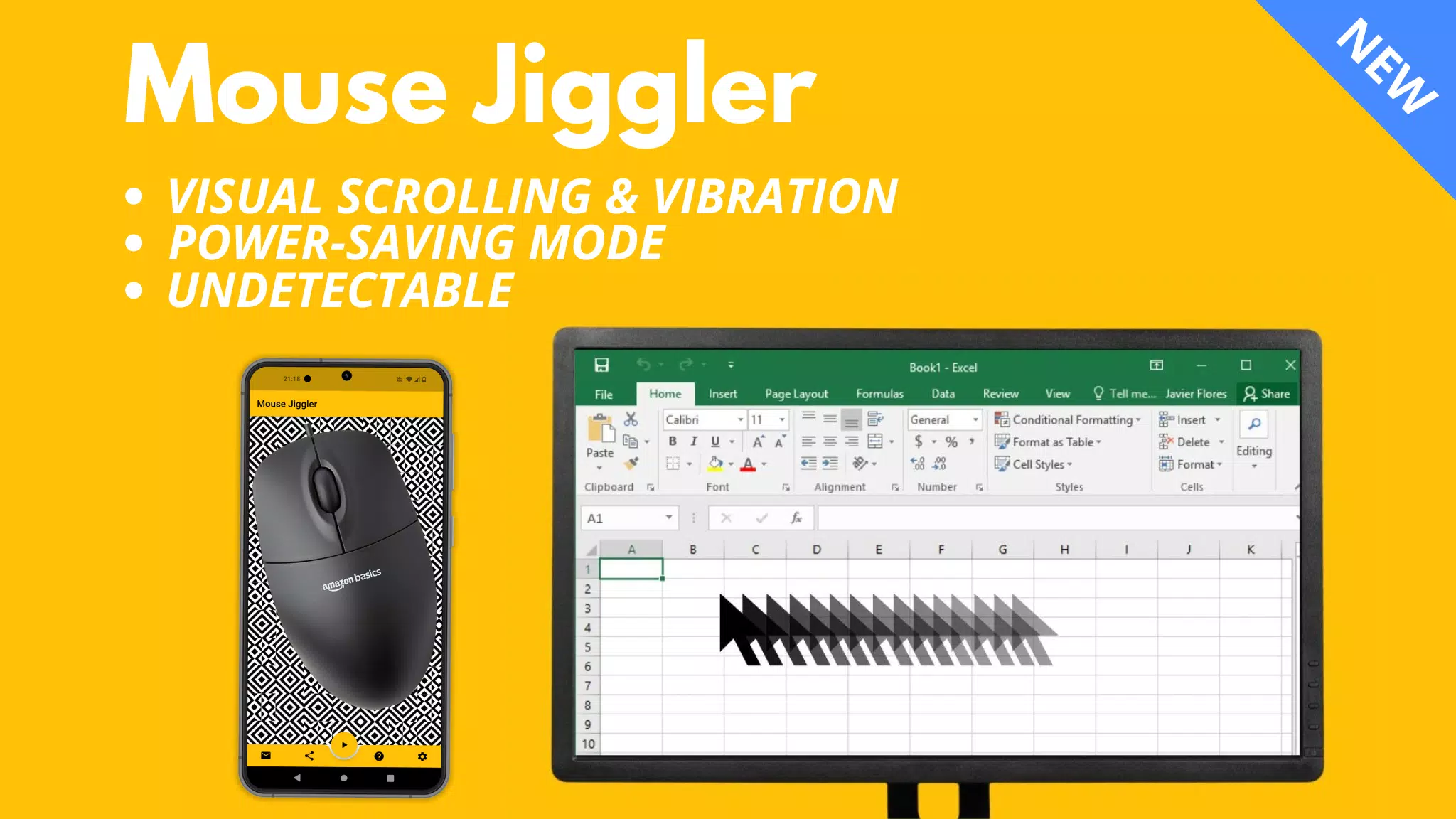
革新的なアクティブマウスソリューションであるマウスジグラーを使用して、リモート作業中にオンラインで滞在してください!この便利なツールにより、コンピューターの画面がアクティブなままでいることを保証し、長期の作業セッション中にロックするのを防ぎます。

説明:

Mouse Jigglerは、WindowsとMac OSの両方のコンピューターと互換性のある多用途のアプリケーションです。マウスカーソルを定期的に数ミリメートルで微妙に移動することにより、画面がロックされません。

⚠〜互換性:

マウスジグラーは、赤信号を利用するほとんどのマウスで非常に効果的です。ただし、目に見えない光を使用するマウスでは、そのパフォーマンスは最適ではない場合があります。これは、アプリケーションの欠陥によるものではなく、マウスセンサーの感度と携帯電話の最大の明るさと振動機能に依存します。問題に直面している場合は、赤信号でマウスに切り替えることを検討してください。または、マウスをまったく必要としない新しい「Bluetoothマウスジグラー」アプリを探索してください。

https://play.google.com/store/apps/details?id=be.mm.mousejiggler2

主な機能:

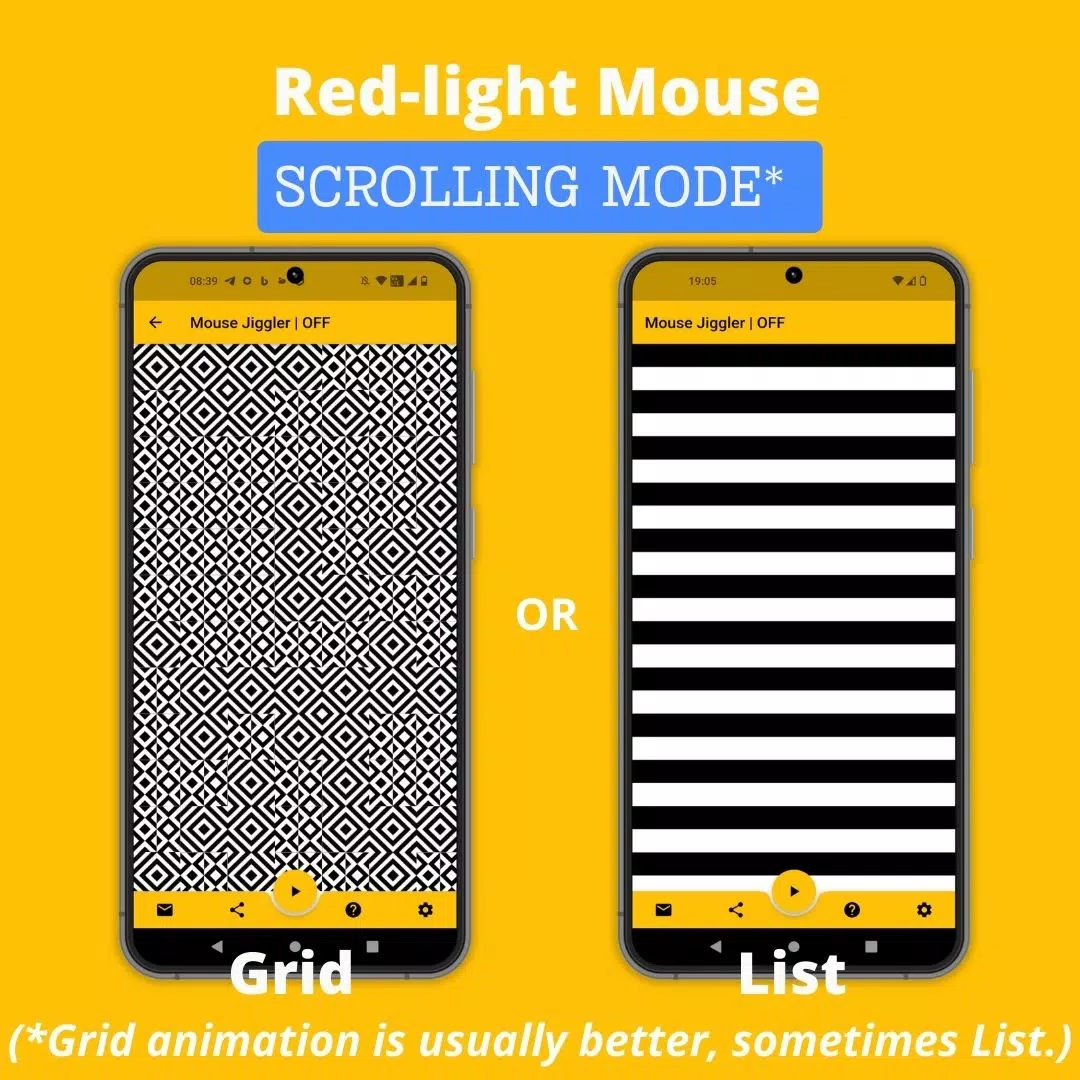
スクロールモード:赤信号のあるマウスに最適です。このモードは、マウスカーソルを移動するために設定された間隔で画像をスクロールします。

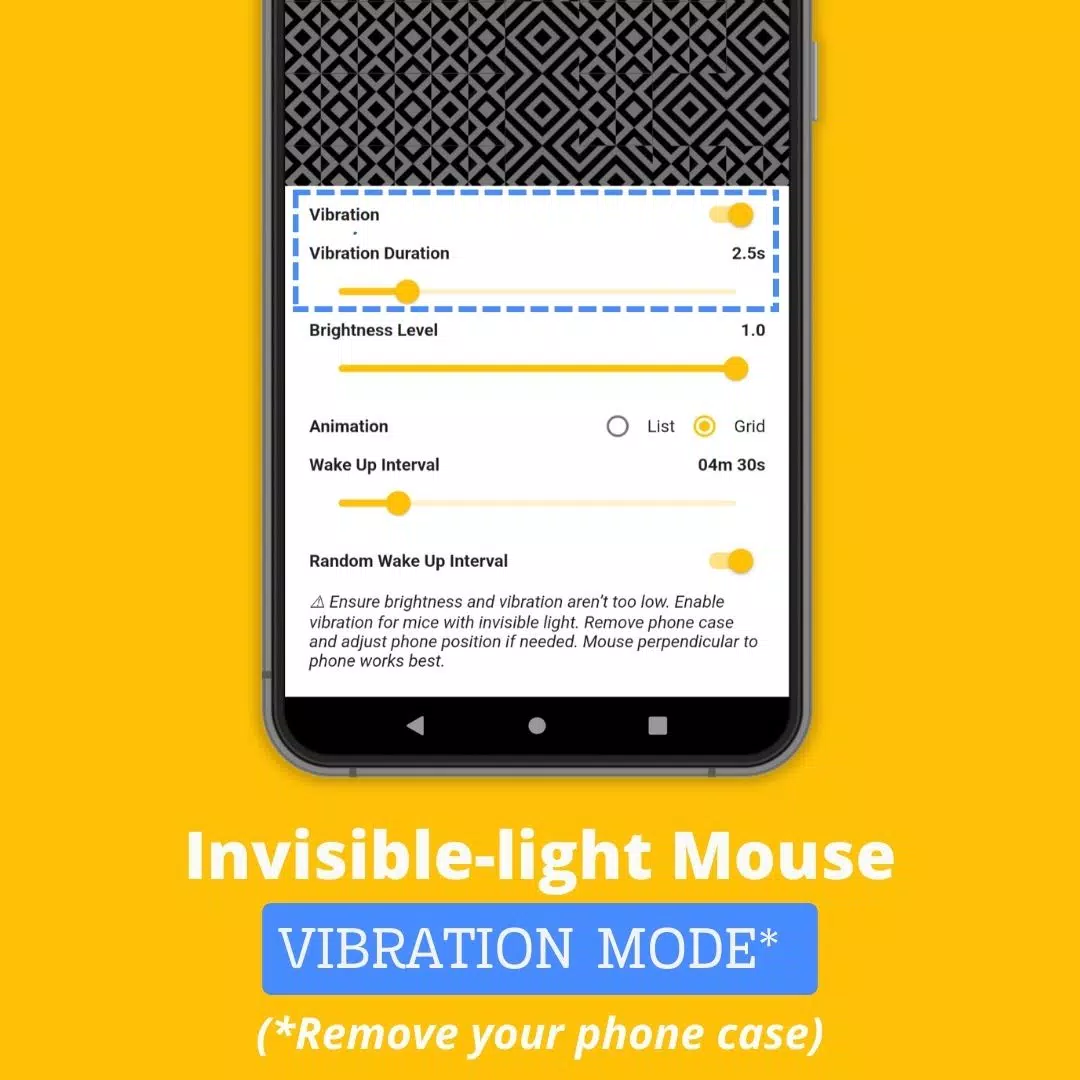
振動モード:目に見えない光のあるマウス向けに設計されたこのモードでは、携帯電話の振動を定期的に使用してカーソルを移動します。

マウスジグラーの使用方法:

  1. マウスが使用する光の種類を決定します:赤または見えないもの。

  2. 目に見えない光のマウスの場合、アプリ設定で「振動」モードを有効にします。より良い結果を得るには、携帯電話ケースを取り外して振動強度を高めます。

  3. マウスをスマートフォンに配置します。

  4. ►アイコンをタップして、スクロールまたは振動を開始します。

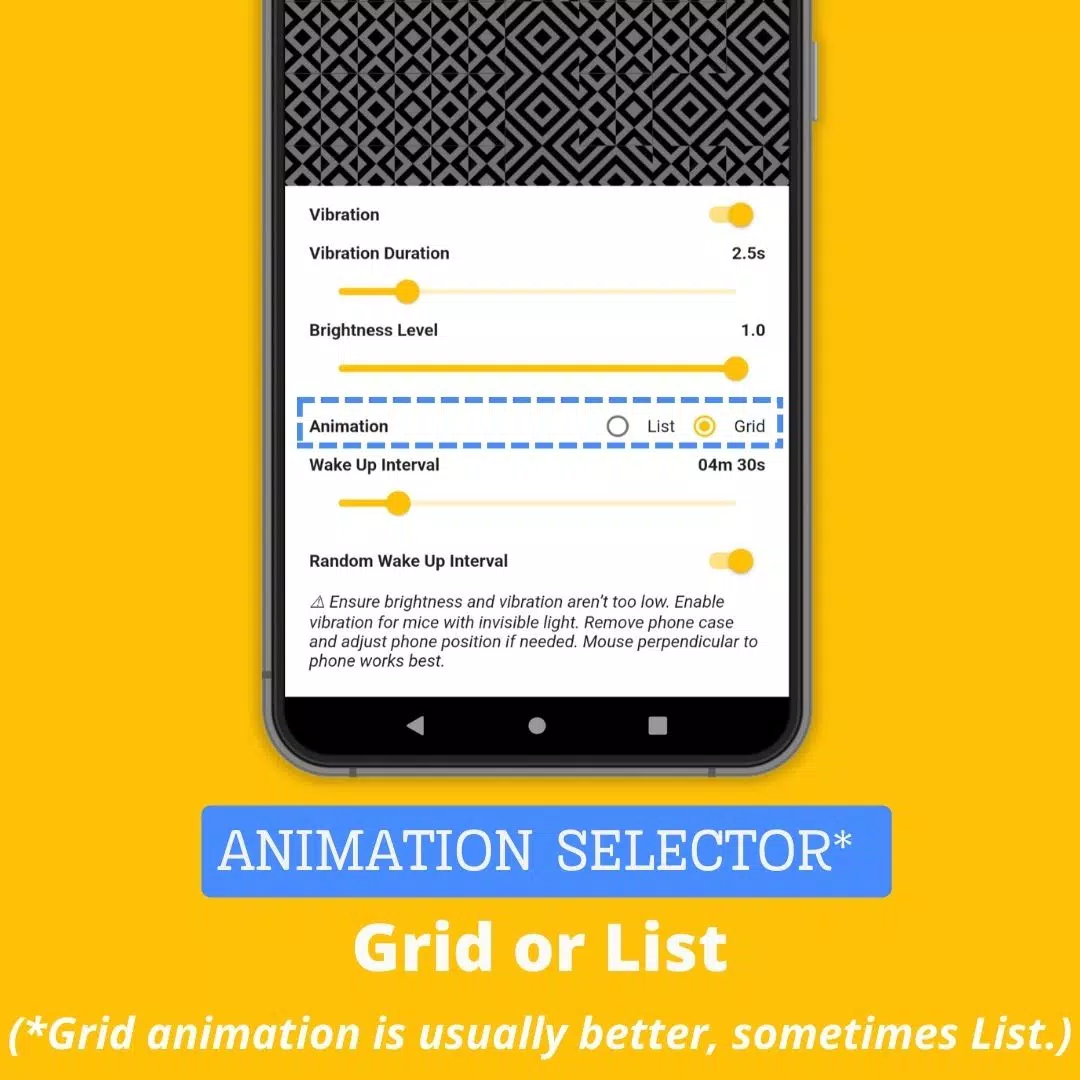
高度な設定:

  • 振動:振動モードのオンまたはオフを切り替えます。
  • 振動期間:各振動の長さを調整します(設定が低くなりすぎないでください。アプリが適切に機能しない場合があります)。
  • 目を覚ます間隔:2つの巻物または振動の間の時間を設定します。
  • 輝度レベル:アプリがアクティブになったときに最大輝度を制御します(最適なパフォーマンスのために十分に高く保ちます)。
  • ランダムウェイクアップ間隔:0からセット「ウェイクアップ間隔」値までの範囲のアクション間のランダム遅延を有効にします。この機能は、マウスジグラーの使用の検出を防ぐのに役立ちます。

なぜマウスジグラーモバイルアプリを選択するのですか?

コンピューターの画面をアクティブに保つために他のソリューションが存在しますが、マウスジグラーモバイルアプリは独自の利点で際立っています。

  • 便利さ:追加のハードウェアは必要ありません。スマートフォンと既存のマウスを使用するだけです。
  • 検出不能:モバイルアプリとして、デジタルフットプリントが残されておらず、会社が発行したデバイスには控えめな選択肢になります。
  • 費用対効果:このアプリは無料で、最大30ドルの費用がかかる物理的なマウスジグリングデバイスに代わる予算に優しい代替品を提供します。

ウェブサイトhttps://mousejiggler.lol/

Mouse Jiggler スクリーンショット 0
Mouse Jiggler スクリーンショット 1
Mouse Jiggler スクリーンショット 2
Mouse Jiggler スクリーンショット 3
最新ニュース
As of now, there is no official confirmation that Microsoft has released a product called the

As of now, there is no official confirmation that Microsoft has released a product called the "ROG Xbox Ally" or that it is priced at $1,000. In fact, this information appears to be based on a misunderstanding or misinformation. Here's a clarification: 🎮 What Actually Exists: Xbox Series X|S and Xbox Game Pass: Microsoft continues to focus on its Xbox consoles and Game Pass subscription service as the core of its gaming ecosystem. ROG Ally: This is a gaming handheld developed by ASUS ROG (Republic of Gamers), not Microsoft. It was officially released in 2023 and is not an Xbox-branded device. ROG Ally Pricing (as of 2024): ROG Ally (64GB, base model): $499 ROG Ally (128GB, higher-end model): $599 ROG Ally (128GB, with additional features like enhanced cooling): Up to $699–$749 depending on region and retailer. 🤔 Why the Confusion? Some people mistakenly refer to the ROG Ally as "Xbox Ally" due to: Its ability to stream Xbox games via Xbox Cloud Gaming. Its strong focus on PC and Xbox Game Pass compatibility. The idea that Microsoft would release a $1,000 handheld (or sell a device under the "Xbox Ally" name) is not accurate, as Microsoft has not launched any handheld device under that name. ⚠️ Tariff Mention? There has been discussion about potential tariffs on electronics imported into the U.S. (especially from Asia), which could affect pricing for devices like the ROG Ally. However, Microsoft has not announced any new handhelds or price hikes tied to tariffs. ✅ Summary: ❌ No such thing as a "ROG Xbox Ally" exists. ✅ The ROG Ally is an ASUS product, priced starting at $499. ❌ Microsoft has not announced a $1,000 handheld gaming device. ✅ The ROG Ally can run Xbox Game Pass and stream Xbox games — but it’s not an Xbox product. If you're interested in a high-performance handheld gaming device, the ROG Ally remains a strong choice, but it’s made by ASUS — not Microsoft. Let me know if you'd like a comparison between the ROG Ally and other handhelds like the Steam Deck or Nintendo Switch OLED!

Warhammer 40Kアニメ化世界:漆黒の絶望の深淵を探究

Warhammer 40Kアニメ化世界:漆黒の絶望の深淵を探究