


Slides2Go
Category : ProductivityVersion: 1.4.6
Size:19.70MOS : Android 5.1 or later
Developer:Platingroup GmbH
 Download
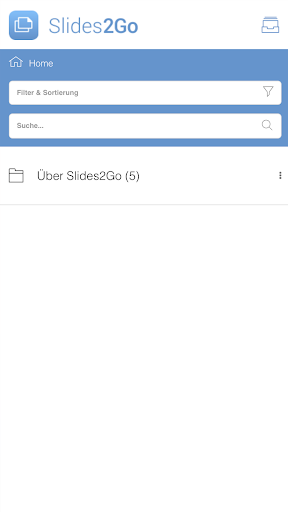
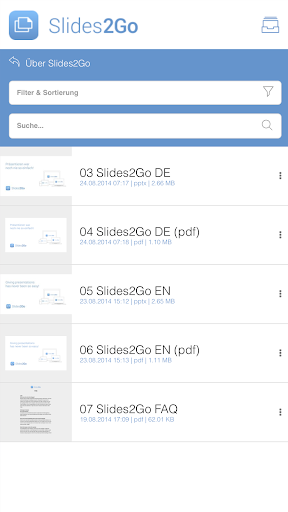
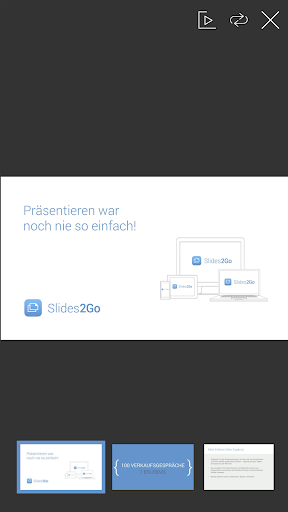
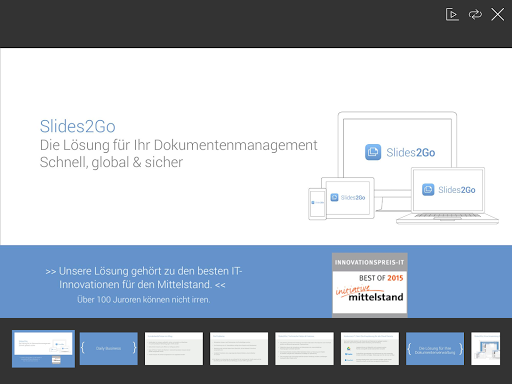
 Make any presentation effortless with Slides2Go! This cutting-edge app enables you to deliver polished PowerPoint and PDF presentations directly from your tablet, smartphone, or computer. Manage and organize all your presentation content centrally, distributing different materials to different users with ease. It supports all major file formats—PowerPoint, PDF, Office documents, and MP4—and plays embedded multimedia seamlessly. Through an intuitive web-based backend, you can create a tailored user structure and design individualized presentations in moments. Features like push notifications and in-depth analytics make it the ultimate presentation solution for professionals across all fields.
Key Features of Slides2Go:
* Content on Demand: Upload all your presentation materials with a single click. Users can access presentations and product info online or offline, based on their assigned permissions.
* Multi‑Format Support: The app handles every essential format for effective presentations, including PowerPoint, PDF, Office files, and MP4. It reliably displays multimedia content embedded within PowerPoint files.
* Flexible User Permissions: Slides2Go’s web backend lets you build a custom user hierarchy. Easily set up groups with distinct access levels to match your needs, all managed from one central dashboard.
* Personalized Presentations: No tutorials or training required—use the pre-loaded content to quickly assemble custom presentations right inside the app.
* Seamless Communication: A built-in push feature sends important messages and updates straight to users’ devices, skipping email and intranet delays.
Frequently Asked Questions:
* Can I use Slides2Go offline?
Yes, the app lets you view presentations and product information offline, provided you have the necessary access rights.
* Does Slides2Go support different file formats?
Yes, it works with a variety of formats—PowerPoint, PDF, Office files, and MP4—and can play multimedia elements embedded in your slides.
* Can I customize user permissions in the app?
Yes. Using the web-based backend, you can define user groups with specific privileges and manage all permissions centrally.
In Summary:
Slides2Go stands out as a powerful presentation tool packed with valuable features. Its on‑demand content delivery, broad file‑format support, and adjustable user permissions offer exceptional flexibility and convenience. You can craft tailored presentations without extensive training, while the push function keeps communication efficient. Scalable for use in any industry, the app also provides detailed backend analytics to help you continuously refine your results.



- Destiny 2 Reveals Star Wars Crossover Plan 1 weeks ago
- Love, to Livy Crossword Clue - Try Hard Guides 1 weeks ago
- Pokémon Go\'s Wild Areas make a return this year in upcoming event 2 weeks ago
- Save 40% Off the Wolfbox Mega Flow 100 Cordless Electric Air Duster with USB Charging 2 weeks ago
- Ring of Fire: Prometheus surfaces in China with a beta full of mystery 2 weeks ago
- Battlefield 6 Matchmaking Will Include SBMM — Among Other Things Like Ping, Location, And Server Availability 2 weeks ago
-

Personalization / 1.0.0 / by DigitalPowerDEV / 11.10M
Download -

Video Players & Editors / v1.02 / by TateSAV / 13.80M
Download -

Lifestyle / 1.5 / by BetterPlace Safety Solutions Pvt Ltd / 9.60M
Download -

Productivity / 2.8 / 10.16M
Download




-
 All Passwords and Padlock Combinations in Lost Records: Bloom and Rage
-
 30 best mods for The Sims 2
-
 Best Android PS1 Emulator - Which PlayStation Emulator Should I Use?
-
 Leaked Footage Unveils Mythical Epic: Black Myth: Wukong
-
 Tokyo Game Show 2024 Dates and Schedule: Everything We Know So Far
-
 Android welcomes "Dynasty Legends" style game, "Otherworld Three Kingdoms"