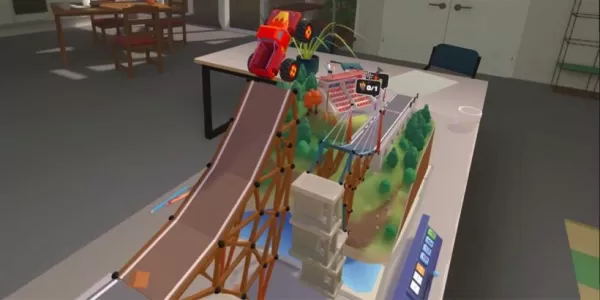
This guide provides instructions on how to redeem Roblox Party codes for free Gems. These codes offer valuable in-game rewards, but expire periodically, so quick redemption is advised.
Quick Links
Roblox Party is a fun board game where dice rolls determine your progress, awarding or deducting coins and triggering mini-games. Winning earns Gems, and Roblox codes provide a faster way to accumulate them.
All Roblox Party Codes

Currently Active Roblox Party Code:
minigamemode- Redeem for 75 Gems (NEW)
Expired Roblox Party Codes:
pumpkinggraveyardgiganticdicedailychallengezseptember2024deepseaexploreronefinalcodetooinsanetenmilclubmanyupdateslaterwhysomanycodesmananothercodeforuatlantis3yearslatermindblowingrobloxpartythebest10mil
The game offers diverse gameplay with various portals leading to different board games and random spawn locations for added variety. Gems can be spent on various in-game items. Codes are accessible from the start, offering early advantages, but their limited lifespan necessitates prompt redemption.
How to Redeem Roblox Party Codes

Redeeming codes is straightforward:
- Launch Roblox Party.
- Access the Shop (usually a button on the right).
- Navigate to the "Codes" tab.
- Input the code and click "Redeem."
How to Find More Roblox Party Codes

New codes are often announced within the game itself (check the lobby and update notes) and on the developers' social media:
- White Hat Studios X page
- White Hat Studios Discord server
Remember to check back frequently for updates and new code releases!