


YI IoT
Category : LifestyleVersion: 4.2.820240306
Size:135.57MOS : Android 5.1 or later
Developer:ANTS TECHNOLOGY (HK) LIMITED
 Download
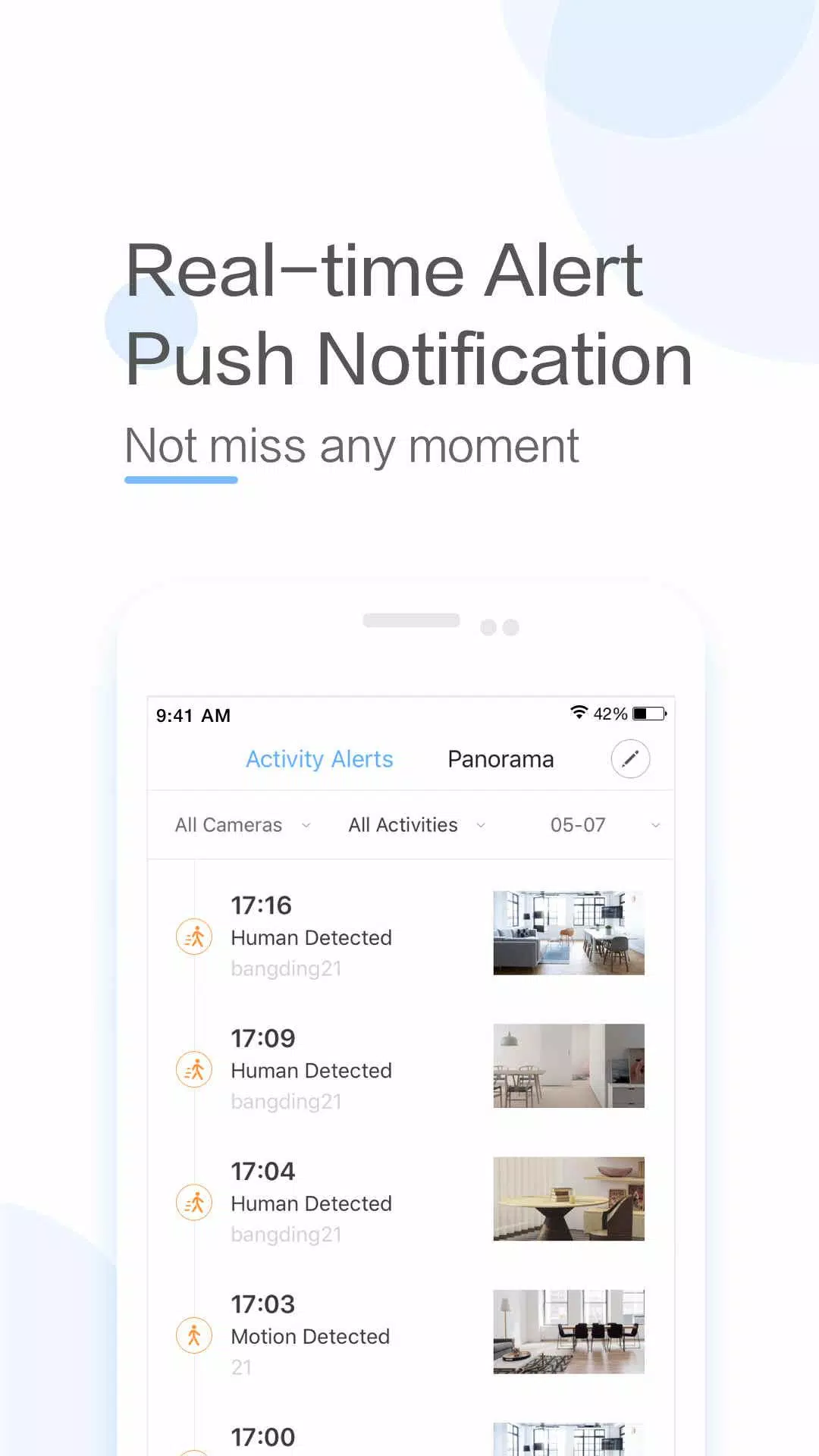
 YI IoT is a cutting-edge smart camera app that seamlessly connects you to your home, allowing you to monitor and interact with your environment through real-time video and audio from anywhere in the world. Whether you're checking in on your pets, ensuring the safety of your home, or simply staying connected with your family, YI IoT offers a robust solution with its array of features. From two-way audio that lets you communicate with loved ones to motion detection alerts that keep you informed of any activity, the app provides comprehensive home monitoring. Compatible with a variety of YI cameras, including indoor, outdoor, and dome models, it ensures you can cover every angle of your home. With its intuitive interface, cloud storage options, and smart detection capabilities, YI IoT stands out as a dependable choice for enhancing your home security and maintaining peace of mind.
Features of YI IoT:
> Connect effortlessly with your family through real-time video and audio, no matter where you are.
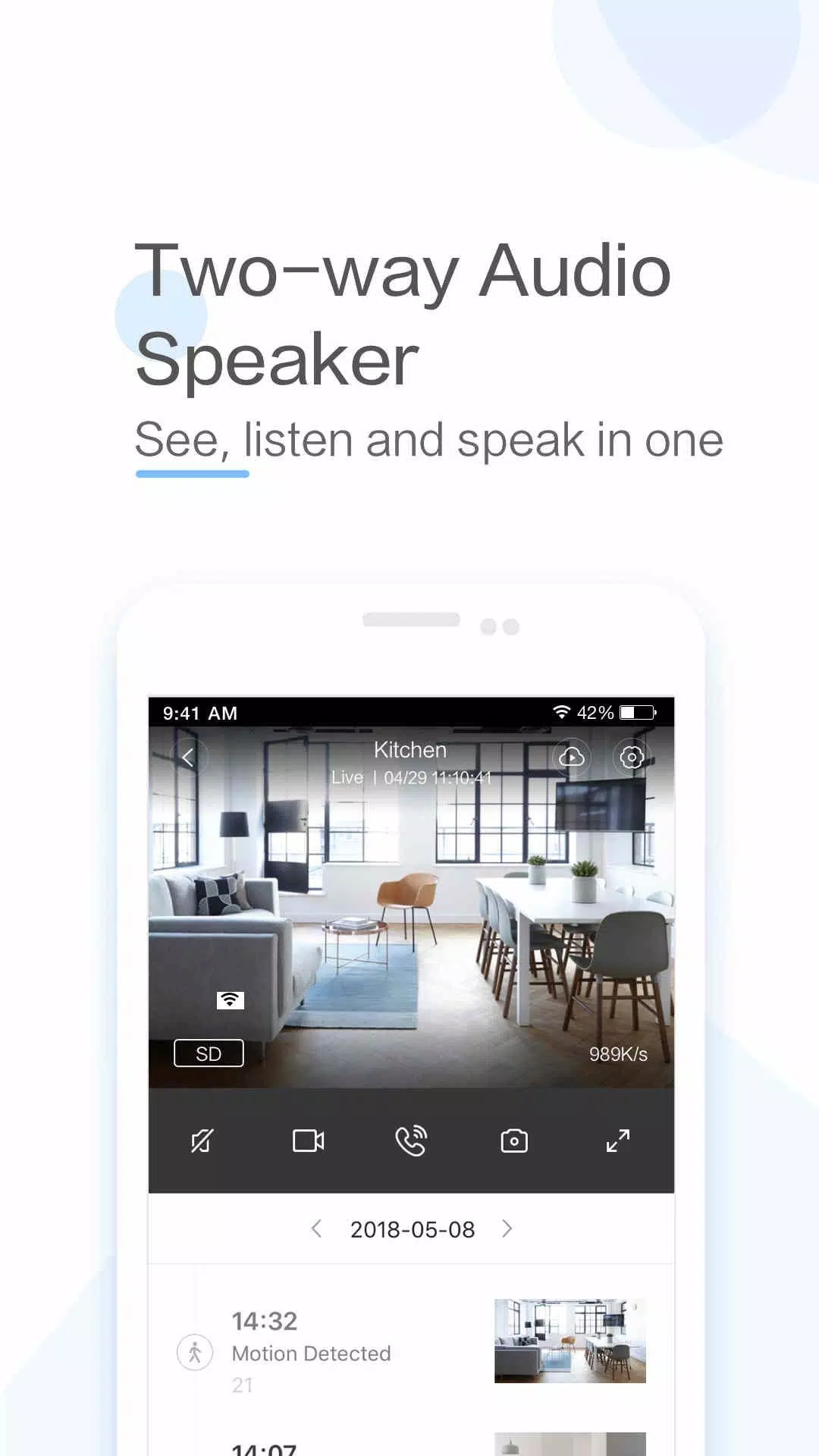
> Engage in two-way conversations with your loved ones with a simple tap on your mobile device.
> Benefit from a specially designed microphone and speaker system that ensures clear and loud voice quality.
> Experience a full panoramic view by panning your mobile device left and right for an enhanced viewing experience.
> Utilize the app's gyroscope support, which aligns with your phone's orientation, allowing you to monitor every corner with ease.
> Maintain a constant connection and keep an eye on your loved ones with the YI IoT App.
Conclusion:
YI IoT is the ultimate app for staying connected with your family through real-time video and audio. It enables two-way conversations from a distance and offers a complete panoramic view for superior monitoring. With advanced features like gyroscope support, the YI IoT App ensures you can monitor every corner of your home effortlessly. Download YI IoT today to stay connected and enjoy the peace of mind that comes with knowing your home is secure.
How to Use This App:
Download the App: Get the YI IoT app from the Google Play Store or Apple App Store.
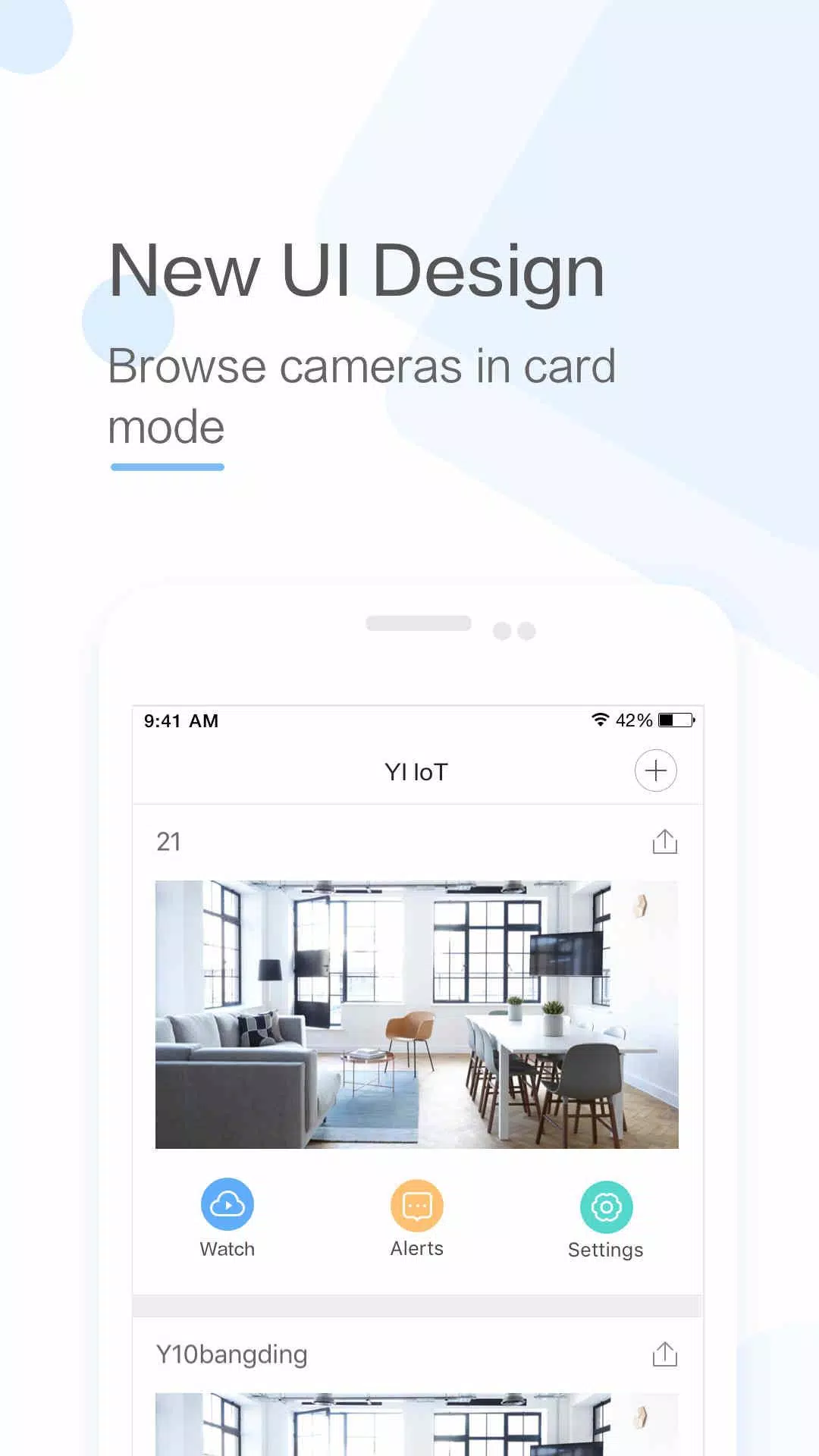
Launch the App: Open the app and tap the ‘+’ button to add a new device.
Connect to Wi-Fi: Make sure your camera is powered on and your mobile device is connected to a Wi-Fi network.
Scan the QR Code: Position the camera lens to scan the QR code shown on your screen, establishing a connection.
Name Your Camera: Once connected, name your camera for easy identification.
Set Up Cloud Storage: Decide if you want to activate cloud storage for motion-triggered video clips.
Configure Settings: Fine-tune settings such as motion detection, video quality, and notifications to suit your needs.
View Live Feed: Select your camera in the app to access the live video feed.
Use Two-Way Audio: Test the two-way audio feature to communicate with those near the camera.
Explore Advanced Settings: Delve into additional options like scheduling, activity zones, and smart alerts to enhance your monitoring experience.





RAID Shadow Legends: Mythical Champions Rankings

Elden Ring Nightreign Update 1.01.1: Solo Mode Enhanced, Bugs Resolved, Gameplay Balanced
- Alienware Area-51 Laptops Get First Price Cut 1 days ago
- Best Anime Like Cowboy Bebop 1 days ago
- Trump Tariffs Slam Nintendo, Sony Stocks 2 days ago
- Early Access Feedback on La Quimera 2 days ago
- 2025 Free Comic Day: Top 13 Reads 3 days ago
- Firebreak: The Year's Strangest Shooter - FBC 3 days ago
- Nintendo Sparks Zelda Wind Waker HD Switch 2 Speculation 3 days ago
- PS5 Sales Surge, Sony Reports 3 days ago
- Atlan's Crystal Game Debuts Globally on iOS, Android 3 days ago
-

Personalization / 1.0.0 / by DigitalPowerDEV / 11.10M
Download -

Video Players & Editors / v1.02 / by TateSAV / 13.80M
Download -

Lifestyle / 1.5 / by BetterPlace Safety Solutions Pvt Ltd / 9.60M
Download -

Productivity / 2.8 / 10.16M
Download




-
 All Passwords and Padlock Combinations in Lost Records: Bloom and Rage
-
 30 best mods for The Sims 2
-
 Tokyo Game Show 2024 Dates and Schedule: Everything We Know So Far
-
 Best Android PS1 Emulator - Which PlayStation Emulator Should I Use?
-
 Leaked Footage Unveils Mythical Epic: Black Myth: Wukong
-
 Top 10 Best Cards in LUDUS - Merge Battle Arena PvP